


Payments for downloadable software: licence keys, upgrades and renewals
Downloadable software sells as a one-time licence key, then again as an upgrade or a renewal, and each of those is a different charge against the same customer. RapidCents handles all three with a payment gateway, hosted checkout and recurring payments, plus a virtual terminal for the enterprise buyer who reads a card number over the phone. Receipts carry the tax detail a business buyer needs. Software publishers use MCC 5734.

- PCI DSS Level 1
- SOC 2 Type II
- All major card brands: Visa · Mastercard · Amex · Interac debit
- Interchange-plus available
- Canadian support
Operational workflows
Licence key issued on captured payment
Version upgrade charged to the same customer
Maintenance plan renewed each year
Enterprise purchase keyed at the virtual terminal
Payment challenges
Three charges, one customer record
Licence, upgrade and renewal are separate transactions against the same buyer, and reporting has to tell them apart.
Business buyers abroad
A licence sold to a company in another country is a card-not-present charge from an unfamiliar place, so RapidCents shows the issuer's reason and supports 3-D Secure where it helps complete the sale.
Annual renewals nobody remembers
A support plan billed once a year meets a card that may have changed at some point in those twelve months.
Choose the right payment setup for Downloadable Software
Choose payment processing for downloadable software
For Downloadable Software, map sign-up, scheduled billing, and renewal, online checkout and remote payment, and the sale and reconciliation with business systems before choosing a setup. Select channels that match those moments, then confirm that the chosen solution genuinely covers each channel.
Payment hardware for Downloadable Software
For Downloadable Software, physical hardware may be secondary to the checkout flow. Prioritize gateway or payment-page requirements first, then add a terminal only when an in-person payment point is genuinely needed.
Compare payment processing fees
For Downloadable Software, request a written fee breakdown covering scheduled billing, declined cards, and cancellations and online checkout and dispute handling. Compare the effective cost across the real card and channel mix; do not choose on a headline rate alone.
Set up or switch Downloadable Software payments
To set up Downloadable Software payments, document how payment data moves into business systems and the checkout, confirmation, and refund path, confirm compatibility before purchase, then test a real payment flow before going live.
Recommended products
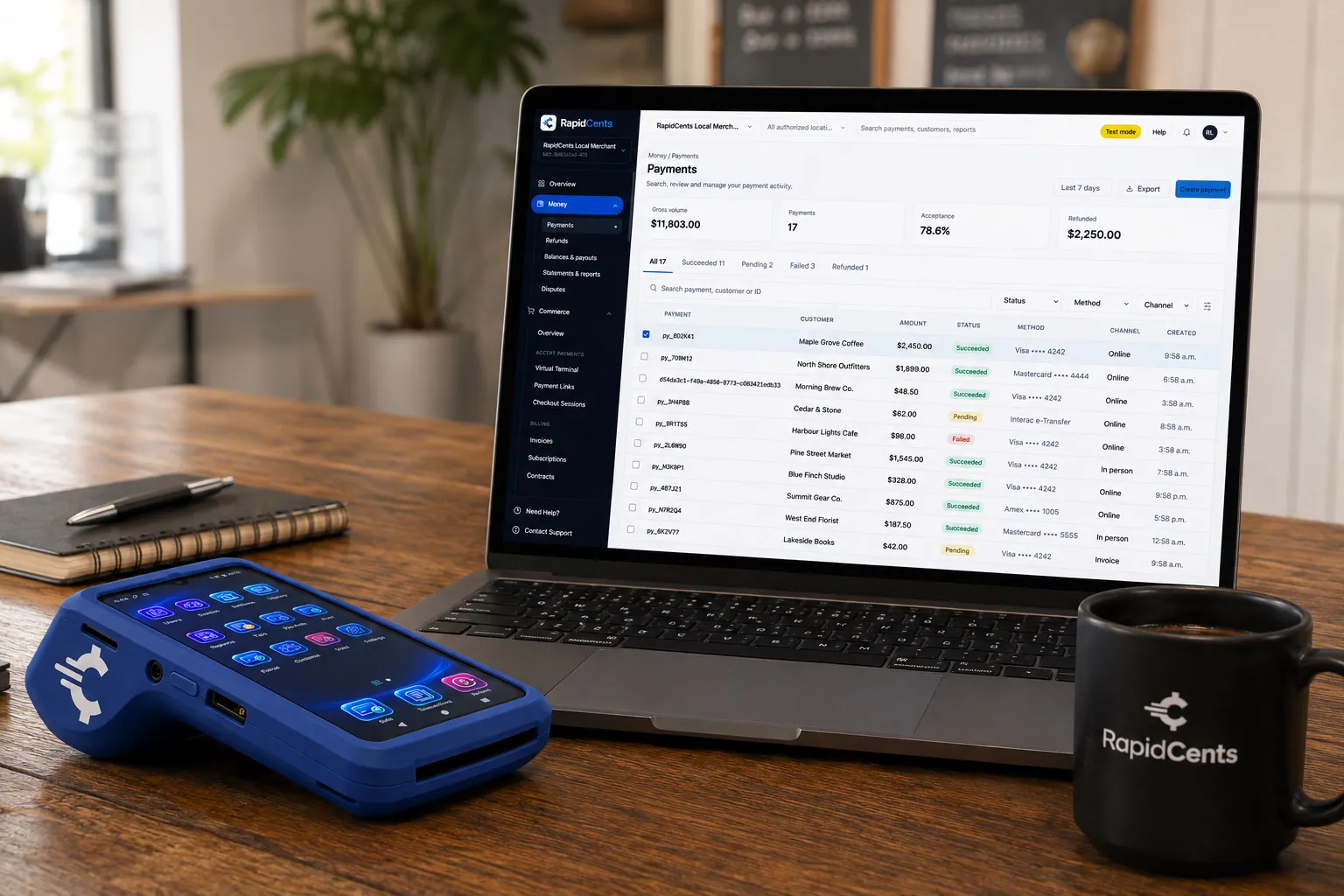
A payment-gateway integration desk: API response on screen, RapidCents terminal ready for a test sale. Payment Gateway
The RapidCents payment gateway exposes REST endpoints for authorize, capture, void, refund and tokenize…
Explore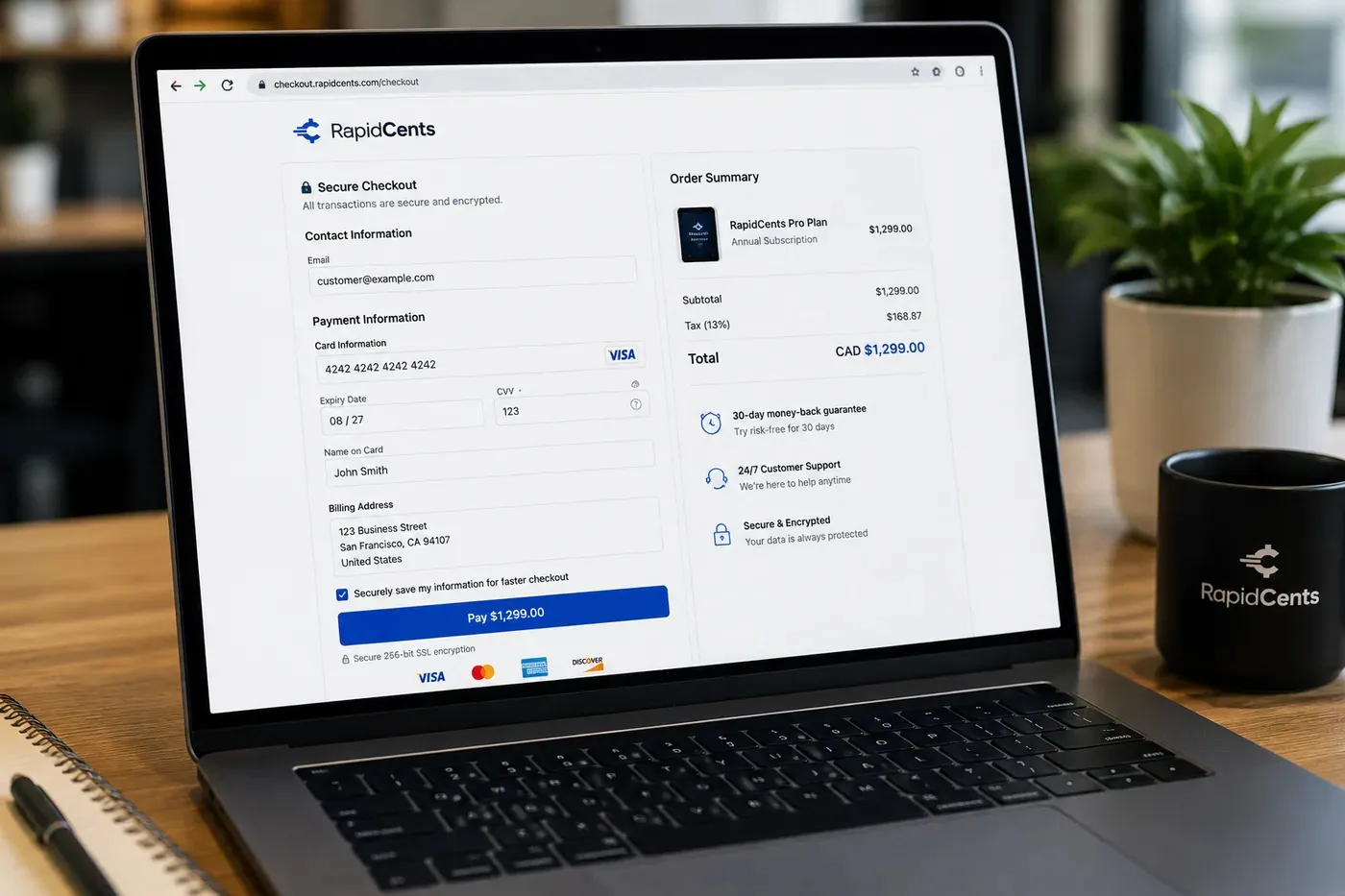
A RapidCents hosted checkout page at checkout.rapidcents.com, with the order summary and totals on the left and the card fields on the right, footed by SSL and PCI DSS assurances. Hosted Checkout
RapidCents hosted checkout delivers PCI-scoped payment pages you redirect customers to or embed via iframe…
Explore
The RapidCents recurring payments screen showing active subscriptions, monthly recurring revenue, failed payments and upcoming renewals, above a list of subscriptions with their plan, amount, frequency and next billing date. Recurring Payments
RapidCents recurring payments manage subscription plans, membership renewals and installment schedules with…
Explore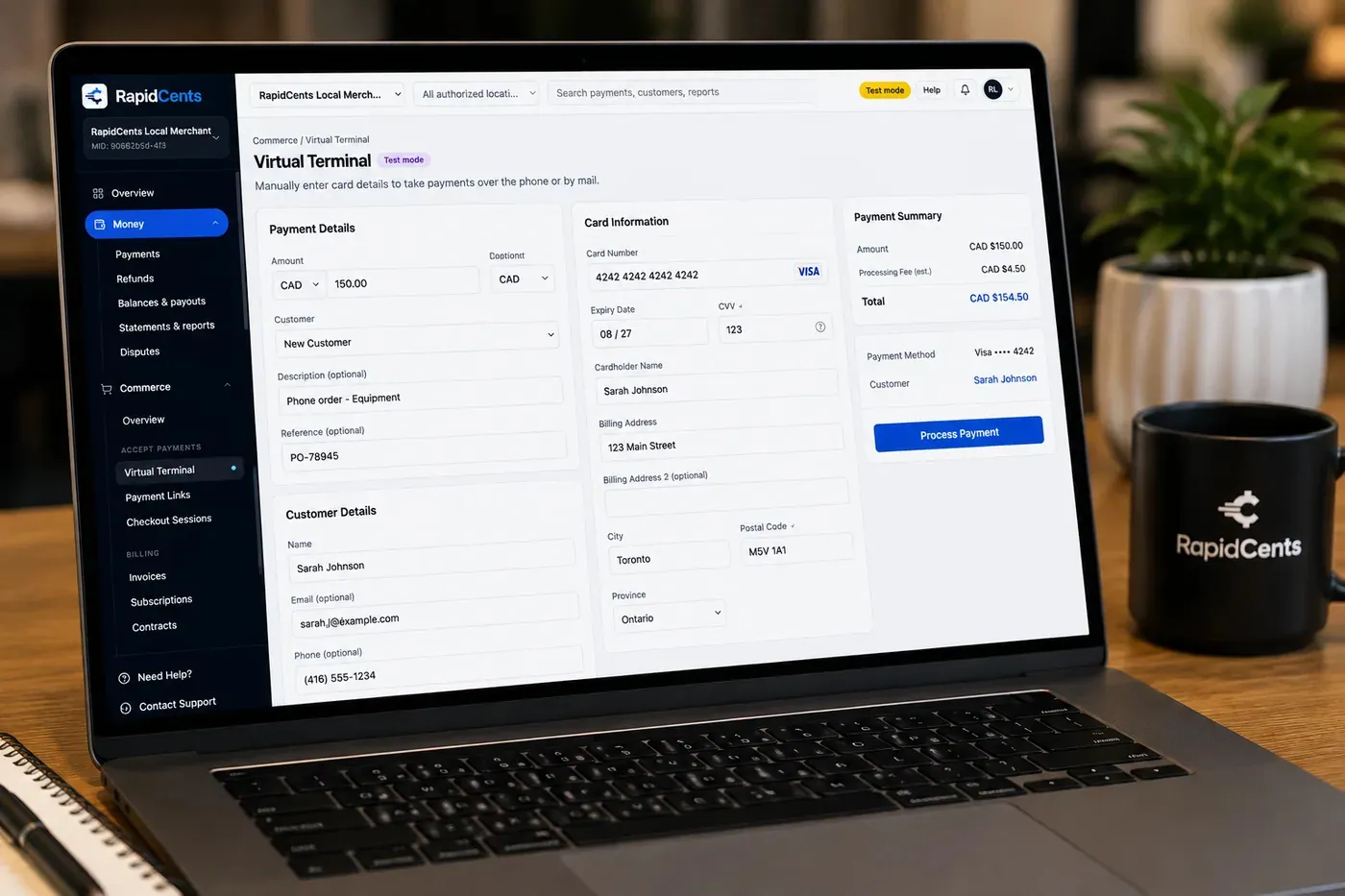
The RapidCents virtual terminal: payment details, card number, expiry and CVV keyed by hand on the left, with a payment summary on the right showing the amount, the estimated processing fee and a Process Payment button. Virtual Terminal
The RapidCents virtual terminal lets authorized staff enter mail-order and telephone-order payments through a…
Explore


How this gets set up
The first licence sale
Hosted checkout takes the purchase and the gateway response is what your licensing system waits on before it issues a key.
The business buyer who will not use a web form
A virtual terminal lets you key the card a purchasing manager reads over the phone, against a receipt their finance department will accept.
Upgrades and renewals against the same customer
Recurring payments bill the maintenance plan, while a one-time upgrade to a new major version is a separate charge on the card already on file.
Seats added mid-term
Extra seats on a live licence are charged against the stored card without sending the customer back through checkout.
Integrations
FastSpring exports
FastSpring exports hand you the order and subscriber history as a file to load elsewhere, not a live link between two billers.
Paddle migration
A Paddle migration moves existing subscriptions and their stored cards across once, so renewals continue without asking customers to re-enter a card.
Keygen
Keygen issues and revokes the licence key, and it does that on the payment result RapidCents returns for each purchase or renewal.
Operations, security and going live
Reporting split by charge type
New licences, version upgrades and maintenance renewals arrive as one identical bank deposit, so reporting has to separate them before the revenue means anything.
Receipts a business buyer can expense
Every receipt carries the GST/HST detail a company needs to claim the purchase, which is what prevents the refund request that is really a paperwork request.
Keys revoked when a payment reverses
A renewal that still needs a person or a dispute is a signal your licence server needs, so those records are what drive a deactivation rather than a support ticket.
Cutover while old orders are still settling
Point new purchases at RapidCents while renewals on the previous biller run down, instead of migrating every subscription in one night.
Payment questions from Downloadable Software
What should a software publisher compare in payment processing?
Compare payment processing for downloadable software against the real payment journey: sign-up, scheduled billing, and renewal, online checkout and remote payment, and the sale and reconciliation with business systems. Start with the required channels and hardware, then confirm compatibility and support before committing.
What payment hardware is practical for Downloadable Software?
If Downloadable Software sells primarily online, do not choose physical hardware before validating checkout. Add hardware only for a clearly defined in-person payment need.
Which payment channels are relevant for Downloadable Software?
For Downloadable Software, start with sign-up, scheduled billing, and renewal, online checkout and remote payment, and the sale and reconciliation with business systems. Keep only the channels that match those moments, then verify the complete customer flow before offering them.
How should payment processing fees be evaluated for Downloadable Software?
For Downloadable Software, compare costs related to scheduled billing, declined cards, and cancellations and online checkout and dispute handling using actual transactions. Request a written breakdown of fees and terms rather than relying on an advertised rate alone.
What should be confirmed before setting up payments for Downloadable Software?
For Downloadable Software, document how payment data moves into business systems and the checkout, confirmation, and refund path, verify the needed compatibility, and test the flow before going live. This exposes manual steps and exceptions before customers encounter them.
What should be confirmed before using recurring payments for Downloadable Software?
Define consent, billing cadence, change and cancellation rules, and how a declined card is handled. Ask to see the complete customer journey before offering it to customers.
What MCC category applies to Downloadable Software?
MCC 5734 is commonly associated with Downloadable Software. Our onboarding team confirms the correct category for your business.
Related industries
Software & SaaS
SaaS companies embed payments, manage platform revenue share and use developer APIs for…
Digital Products
Sell ebooks, templates, media and digital goods with instant checkout, fraud tools and…
Edtech & eLearning
Course platforms, bootcamps and LMS providers collect tuition, installments and corporate…
Gaming
Game studios, esports venues and in-game commerce use gateway APIs, recurring battle…
E-commerce
Online merchants unify checkout, subscriptions, buy-now-pay-later where supported and…
Take the next step
Talk to a RapidCents specialist
RapidCents Fee Check reads a processing statement and shows interchange separately from the markup. Upload a statement for an instant breakdown, or open a merchant account and start accepting payments on one account.
- No obligation
- Payment specialists, not a call centre
- Secure statement upload



