


Pharmacy payment terminals, dispensary counters and phone payments
A pharmacy counter runs on speed: a prescription pickup, a contactless tap, and the next person in line. RapidCents supplies countertop terminals and Tap to Pay for that, a virtual terminal for the delivery order paid by phone, and a merchant dashboard where a chain sees each store's deposits separately rather than as one combined figure. Reporting is detailed enough to stand up to an audit. Drug stores and pharmacies are classified under MCC 5912.

- PCI DSS Level 1
- SOC 2 Type II
- All major card brands: Visa · Mastercard · Amex · Discover · PIN debit
- Interchange-plus available
- Specialist onboarding support
Operational workflows
Prescription rung at the dispensary counter
Third-party plan portion deducted first
Remaining copay tapped at the terminal
Delivery order keyed at the virtual terminal
Payment challenges
The card only settles the remainder
Most of a prescription's cost is covered by a third-party plan, so the card transaction is a small leftover taken while the next pickup waits.
Phone orders on a counter business
A delivery order paid over the phone is card-not-present money in a walk-in store, and it has to be keyed without the card in hand.
Each branch's deposits separately
A pharmacy group that receives one combined deposit cannot see which store came up short.
Choose the right payment setup for Pharmacies
Choose pharmacy payment terminal
For Pharmacies, map the counter or service point, each location and consolidated oversight, and the sale and reconciliation with business systems before choosing a setup. Select channels that match those moments, then confirm that the chosen solution genuinely covers each channel.
Payment hardware for Pharmacies
For Pharmacies, start with the place customers pay in person: a countertop terminal, smart terminal, or portable device depending on the workflow. Verify that the hardware fits the real volume and workspace.
Compare payment processing fees
For Pharmacies, request a written fee breakdown covering cost detail by device and location. Compare the effective cost across the real card and channel mix; do not choose on a headline rate alone.
Set up or switch Pharmacies payments
To set up Pharmacies payments, document how payment data moves into business systems, confirm compatibility before purchase, then test a real payment flow before going live.
Recommended products
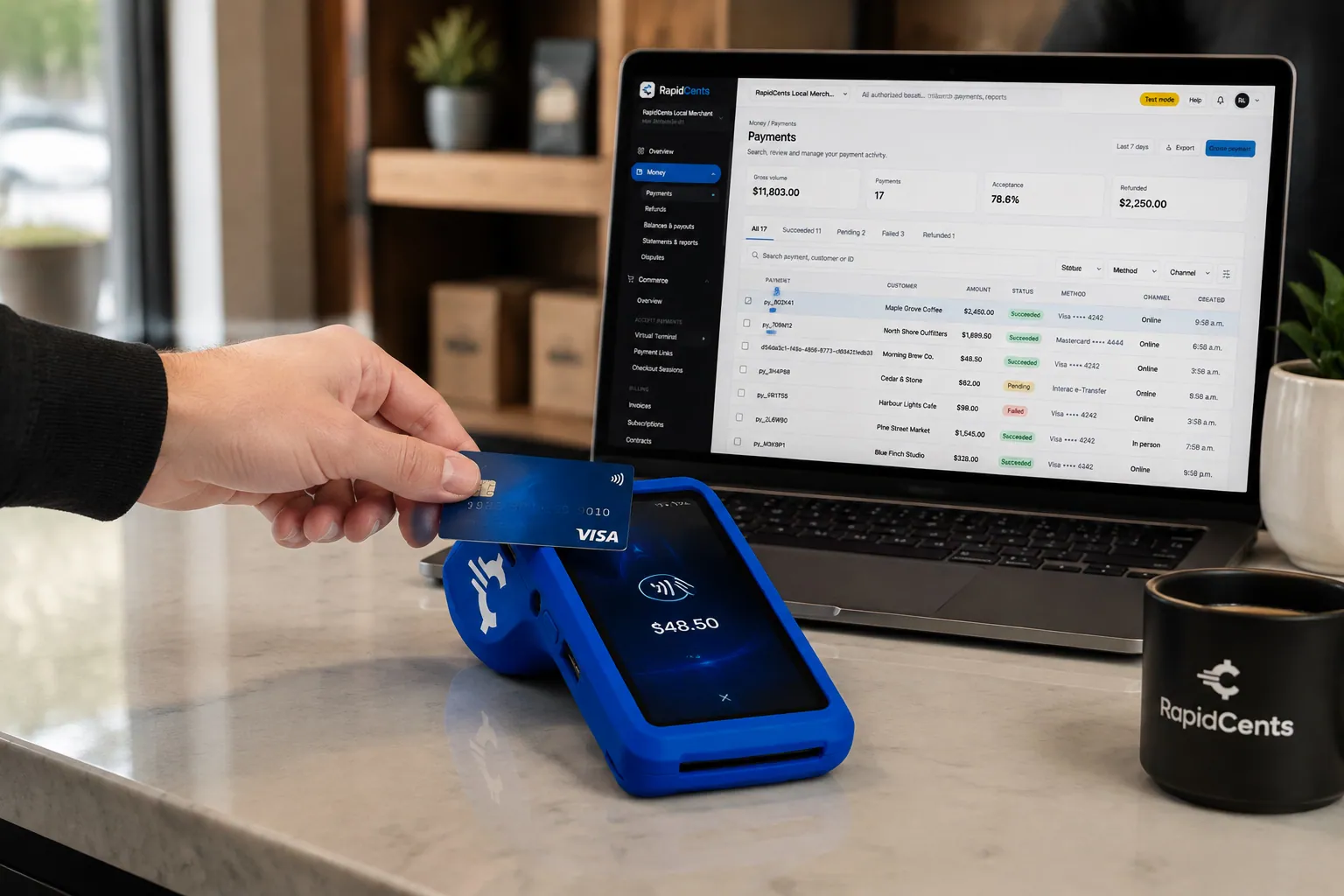
A fixed RapidCents countertop terminal taking card payments at the till, with settlement visible on the dashboard. Countertop Terminals
RapidCents countertop terminals sit at retail counters, restaurant hosts and reception desks where speed and…
Explore
A café worker holds a phone running RapidCents Tap to Pay, showing an $18.75 sale and the contactless symbol, while a customer holds a Visa card to the screen. No separate card reader is present. Tap to Pay
RapidCents Tap to Pay turns supported iPhones and Android devices into contactless payment terminals without…
Explore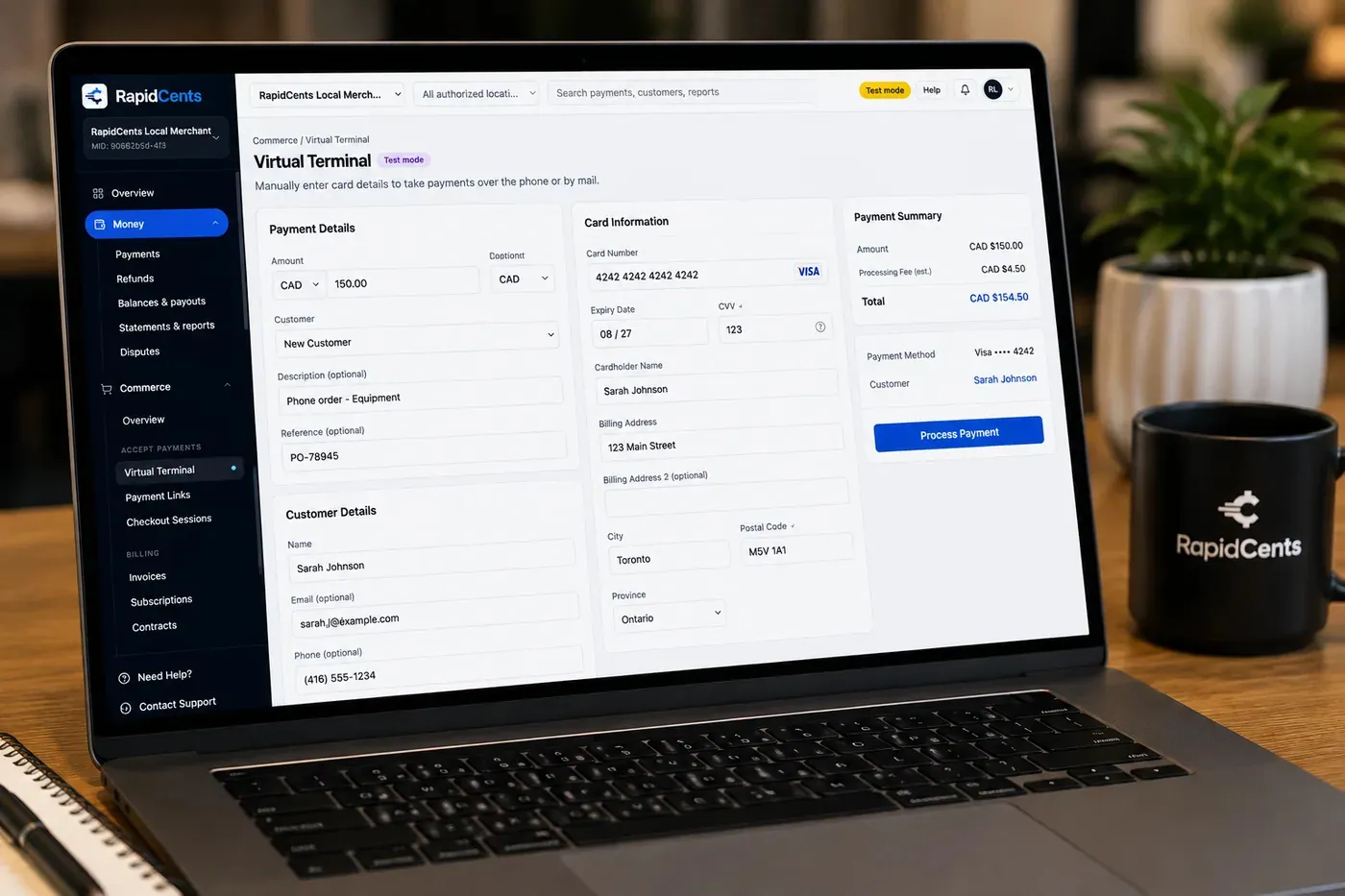
The RapidCents virtual terminal: payment details, card number, expiry and CVV keyed by hand on the left, with a payment summary on the right showing the amount, the estimated processing fee and a Process Payment button. Virtual Terminal
The RapidCents virtual terminal lets authorized staff enter mail-order and telephone-order payments through a…
Explore
The RapidCents payments screen: gross volume, payment count, acceptance rate and refunds across the top, a filterable transaction list below, and a money timeline on the right tracing one payment from capture to planned payout. Merchant Dashboard
The RapidCents merchant dashboard gives owners, managers and finance staff a single signed-in view of live…
Explore


How this gets set up
The pickup line
A countertop terminal with tap and PIN debit is what keeps a prescription handoff down to seconds, because the queue is the real constraint at the wicket.
The delivery order paid by phone
A virtual terminal takes the card from a patient who cannot come in, keyed at the dispensary before the driver leaves with the bag.
Front shop and dispensary on one device
Over-the-counter retail and prescription copays run through the same terminal but have to be readable apart when the day is totalled.
The second location
A dashboard set up per store from the outset means a banner sees each branch's deposits separately instead of one combined figure.
Integrations
Kroll
Kroll runs the dispensary and the patient profile, so the copay collected at the wicket has to reconcile against what Kroll billed for that prescription.
PharmacyWire exports
PharmacyWire exports carry transaction and settlement detail into your back office as a file, a reporting hand-off rather than a live sync.
Operations, security and going live
Deposits by store, by day, by till
A discrepancy at one wicket is found by narrowing to that terminal, which is only possible if reporting is broken out to the device.
A keyed phone payment carries more risk than a tap
A card read over the phone is not present, and the dispute exposure sits with the pharmacy, so who keyed it and when is part of the record.
Validated devices, smaller footprint
Terminals that encrypt at the reader keep card data out of the pharmacy's own systems, which matters at a counter shared with dispensary software.
Swapping terminals without closing the wicket
Devices go in one counter at a time between prescription rushes, with the old lane live until the new one has taken a test transaction.
Payment questions from Pharmacies
What should businesses compare when choosing pharmacy payment terminal for Pharmacies?
Compare pharmacy payment terminal against the real payment journey: the counter or service point, each location and consolidated oversight, and the sale and reconciliation with business systems. Start with the required channels and hardware, then confirm compatibility and support before committing.
What payment hardware is practical for Pharmacies?
For Pharmacies, start with the workstation where customers pay and the space available. A test of the real flow reveals the right form factor better than a feature comparison alone.
Which payment channels are relevant for Pharmacies?
For Pharmacies, start with the counter or service point, each location and consolidated oversight, and the sale and reconciliation with business systems. Keep only the channels that match those moments, then verify the complete customer flow before offering them.
How should payment processing fees be evaluated for Pharmacies?
For Pharmacies, compare costs related to cost detail by device and location using actual transactions. Request a written breakdown of fees and terms rather than relying on an advertised rate alone.
What should be confirmed before setting up payments for Pharmacies?
For Pharmacies, document how payment data moves into business systems, verify the needed compatibility, and test the flow before going live. This exposes manual steps and exceptions before customers encounter them.
How should a multi-location setup be evaluated for Pharmacies?
Ask how devices, users, deposits, and reporting are separated by location. Verify that the team can see the detail it needs without complicating daily operations.
What MCC category applies to Pharmacies?
MCC 5912 is commonly associated with Pharmacies. Our onboarding team confirms the correct category for your business.
Related industries
Healthcare
Healthcare providers collect patient payments at reception, via payment links and…
Dental Clinics
Dental practices accept front-desk, remote and scheduled payments with card-on-file…
Physio & Chiropractic
Physiotherapy and chiropractic clinics collect copays, package payments and recurring…
Veterinary Clinics
Vet clinics take exam-room payments, estimate deposits and recurring wellness plan…
Medical Spas
Med spas combine high-ticket treatment packages, memberships and retail add-ons with…
Optometry
Optometry practices collect exam fees, eyewear deposits and insurance balance payments at…
Gym & Fitness Studios
Gyms and boutique fitness studios run memberships, class packs, retail and front-desk…
Salons & Spas
Salons and spas use mobile Tap to Pay, countertop terminals and appointment deposits with…
Take the next step
Talk to a RapidCents specialist
RapidCents Fee Check reads a processing statement and shows interchange separately from the markup. Upload a statement for an instant breakdown, or open a merchant account and start accepting payments on one account.
- No obligation
- Payment specialists, not a call centre
- Secure statement upload



