


POS and card payments for bars and nightclubs
A bar opens tabs against a pre-authorized card, splits a group of nine at last call, and moves a whole night of volume inside a few peak hours. RapidCents runs that on restaurant POS with smart terminals at the bar and in hand on the floor, holds the pre-authorization until close, splits the bill at the terminal, and reports the night by bartender and by hour. Bars process under MCC 5813.

- PCI DSS Level 1
- SOC 2 Type II
- All major card brands: Visa · Mastercard · Amex · Discover · PIN debit
- Interchange-plus available
- Specialist onboarding support
Operational workflows
Card pre-authorized to open a tab
Rounds added to the tab through the night
Group bills split across several cards at last call
Night's takings batched and tipped out
Payment challenges
Tabs walked out at last call
An open tab whose owner leaves without closing it makes the pre-authorization the only way the bar gets paid.
Twelve cards at one table
Splitting a large group's bill at close has to happen fast in a crowded room or the queue backs up behind it.
A whole night inside three hours
Volume arrives in a burst between eleven and two, and a terminal that slows under load stalls every server at once.
Choose the right payment setup for Bars & Nightclubs
Choose bar payment processing
For Bars & Nightclubs, map the counter, service, and shift close, the counter or service point, and each location and consolidated oversight before choosing a setup. Select channels that match those moments, then confirm that the chosen solution genuinely covers each channel.
Payment hardware for Bars & Nightclubs
For Bars & Nightclubs, choose hardware around the payment point: counter, service, or payment away from the counter. Start with the staff workflow, then confirm the suitable terminal options before purchase.
Compare payment processing fees
For Bars & Nightclubs, request a written fee breakdown covering cost detail by device and location. Compare the effective cost across the real card and channel mix; do not choose on a headline rate alone.
Set up or switch Bars & Nightclubs payments
To set up Bars & Nightclubs payments, document the service and shift-close workflow, confirm compatibility before purchase, then test a real payment flow before going live.
Recommended products
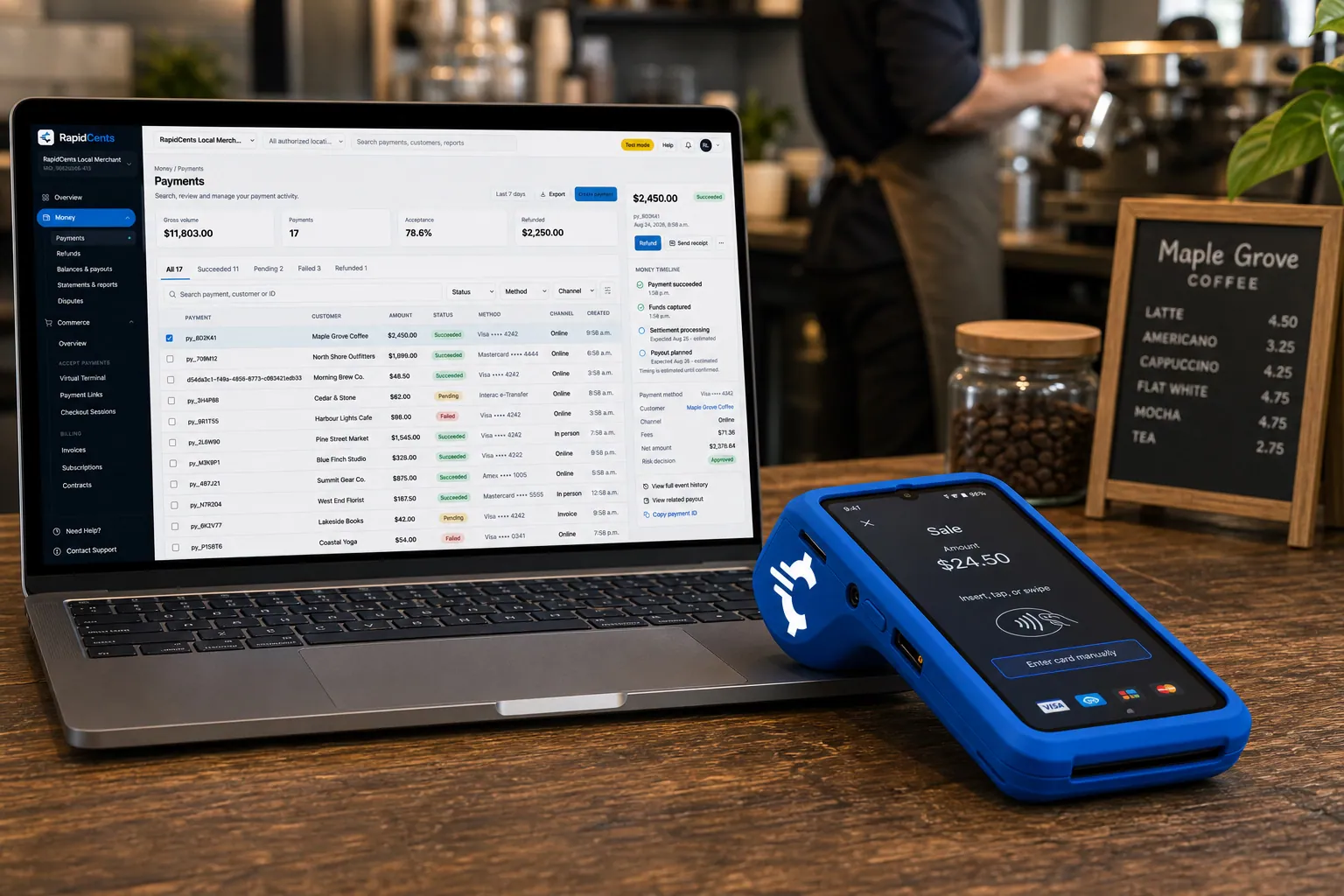
A RapidCents smart terminal running payment apps on the counter, paired with the merchant dashboard on a laptop. Smart Terminals
RapidCents smart terminals combine payment acceptance with an app marketplace for inventory, loyalty, kitchen…
Explore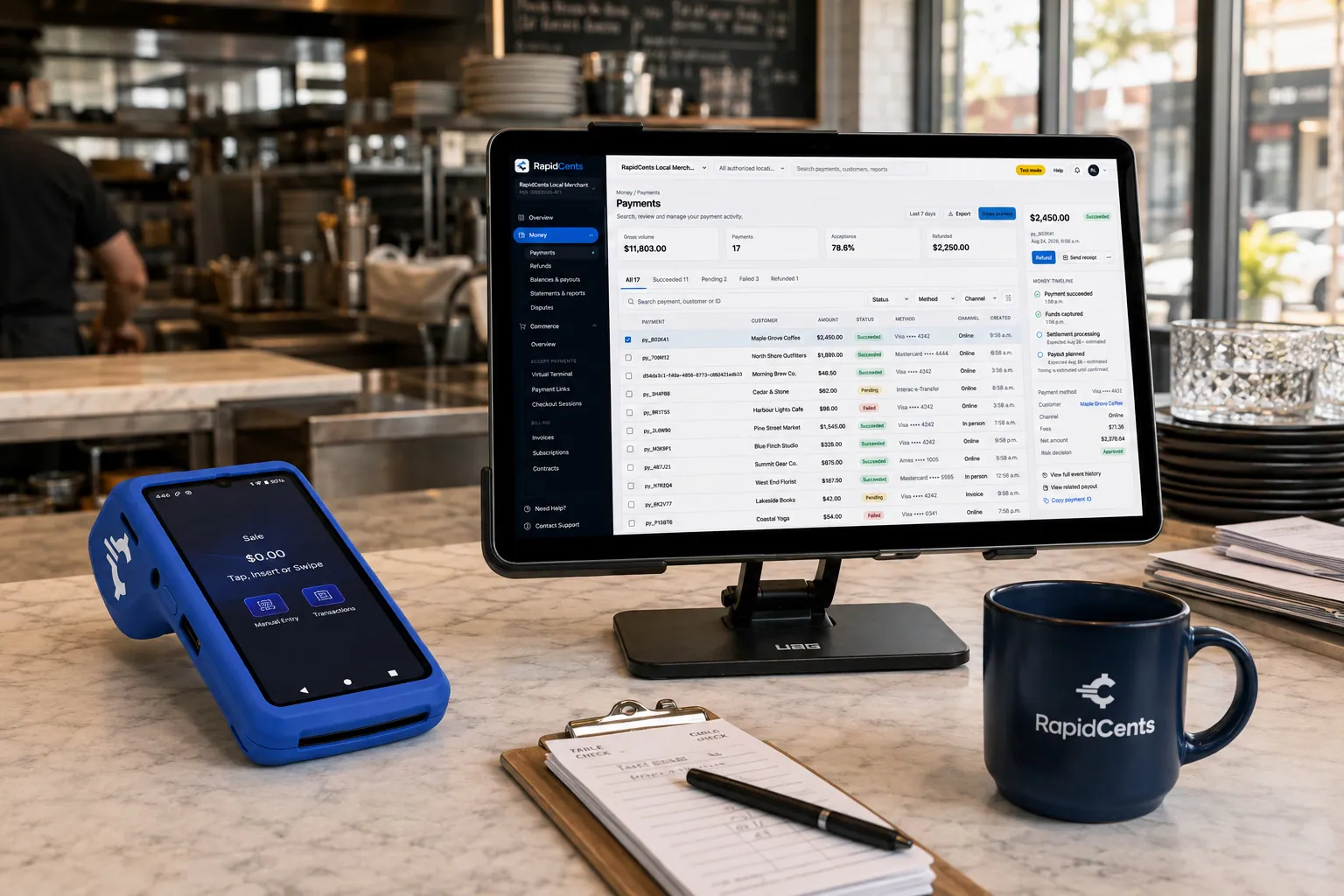
Tableside card capture on a RapidCents terminal in a restaurant, with the POS and payments dashboard on the pass. Restaurant POS
Take orders, split and transfer bills, prompt for tips at the table and close the day with reporting that…
Explore
The RapidCents Rivo Go standing upright in its blue silicone case, showing the full-touch sale screen a customer reads across the counter. Payment Terminals
RapidCents payment terminals cover countertop, mobile and smart form factors so you can accept chip…
Explore
A merchant reviews RapidCents reports for volume, mix and payouts, with the terminal that took the sales on the desk. Reporting
RapidCents reporting delivers customizable transaction, settlement and fee reports with CSV and PDF export…
Explore


How this gets set up
Card pre-authorized to open a tab
The tab opens against an authorization instead of a card left behind the bar, so nobody is holding twenty pieces of plastic in a pint glass.
Rounds rung at the well
Smart terminals sit at each service point and go out to the floor in hand, so a busy Saturday is not queued behind one till.
Split at last call
A group of nine is split at the terminal, by item or evenly, without the bartender re-ringing the whole tab at closing time.
Cashed out by bartender and by hour
The night reports per bartender and per hour, which is what sets the tip pool and shows whether the second bartender earned the shift.
Integrations
Lightspeed Restaurant
Lightspeed Restaurant holds the menu, the open tabs and the floor plan, so a split taken at the terminal closes the same tab the bartender opened.
TouchBistro
TouchBistro carries the order and the check, so paying against it records the tip and the split on the check itself instead of as an adjustment afterwards.
Squirrel exports
Squirrel exports move the night's sales and check detail out as a file for matching to settlement; it is an export path, not a live payment link into Squirrel.
Operations, security and going live
The night read by hour, not by day
Reporting by hour and by service point is how a bar decides staffing, because most of the night's revenue lands inside about three hours.
Tabs walked out on
Open authorizations left at close are the standard end-of-night exception, and reporting lists them so a manager clears them before the deposit rather than the next afternoon.
No cards held behind the bar
Pre-authorization means the customer keeps their card, which removes both the lost-card argument at closing time and a pile of cards that never belonged in your custody.
Installed on a dark night
Terminals and the POS go in on a closed day, with bartenders practising pre-auths and splits before a Friday rather than during one.
Payment questions from Bars & Nightclubs
What should businesses compare when choosing bar payment processing for Bars & Nightclubs?
Compare bar payment processing against the real payment journey: the counter, service, and shift close, the counter or service point, and each location and consolidated oversight. Start with the required channels and hardware, then confirm compatibility and support before committing.
What payment hardware is practical for Bars & Nightclubs?
For Bars & Nightclubs, hardware should match the point when staff collect payment: at the counter, during service, or elsewhere. Test each scenario before choosing a terminal form factor.
Which payment channels are relevant for Bars & Nightclubs?
For Bars & Nightclubs, start with the counter, service, and shift close, the counter or service point, and each location and consolidated oversight. Keep only the channels that match those moments, then verify the complete customer flow before offering them.
How should payment processing fees be evaluated for Bars & Nightclubs?
For Bars & Nightclubs, compare costs related to cost detail by device and location using actual transactions. Request a written breakdown of fees and terms rather than relying on an advertised rate alone.
What should be confirmed before setting up payments for Bars & Nightclubs?
For Bars & Nightclubs, document the service and shift-close workflow, verify the needed compatibility, and test the flow before going live. This exposes manual steps and exceptions before customers encounter them.
How should a multi-location setup be evaluated for Bars & Nightclubs?
Ask how devices, users, deposits, and reporting are separated by location. Verify that the team can see the detail it needs without complicating daily operations.
What MCC category applies to Bars & Nightclubs?
MCC 5813 is commonly associated with Bars & Nightclubs. Our onboarding team confirms the correct category for your business.
Related industries
Restaurants
RapidCents connects counter, tableside, online ordering and multi-location restaurant…
Fast Food & QSR
Quick-service and fast-food operators need high-throughput contactless terminals…
Food Trucks
Food trucks accept credit cards curbside with battery-friendly mobile terminals, Tap to…
Catering
Caterers invoice events, collect deposits and run on-site final payments with virtual…
Cafés & Bakeries
Cafés and bakeries combine fast counter contactless, pre-order pickup payments and…
Hotels & Hospitality
Hotels manage deposits, folio charges, multi-property settlement and contactless checkout…
Breweries & Wineries
Producers sell at the taproom, at farmers markets and through a beer or wine club, so the…
Ghost Kitchens
Delivery-only kitchens run several brands from one line, with orders arriving from…
Take the next step
Talk to a RapidCents specialist
RapidCents Fee Check reads a processing statement and shows interchange separately from the markup. Upload a statement for an instant breakdown, or open a merchant account and start accepting payments on one account.
- No obligation
- Payment specialists, not a call centre
- Secure statement upload



