


Monthly Rent Autopay and Move-In Payments for Self-Storage
Self-storage revenue is monthly rent on autopay, so the work is keeping every unit's card current and charging move-in and admin fees without a second system. RapidCents handles the recurring rent charge, a hosted checkout the tenant uses to reserve and pay online, payment links for a balance owed on a delinquent unit, and a terminal at the rental counter for walk-ins. Self-storage operators are classified under MCC 4225.

- PCI DSS Level 1
- SOC 2 Type II
- All major card brands: Visa · Mastercard · Amex · Discover · PIN debit
- Interchange-plus available
- Specialist onboarding support
Operational workflows
Unit reserved and paid for online
Move-in and admin fees at the rental counter
Rent charged on each unit's own monthly date
Balance on a delinquent unit sent as a payment link
Payment challenges
A card that lapses before the lock is cut
Rent that stops clearing leads to a delinquency process on a unit full of someone's belongings, so the card has to be fixed well before that.
The prorated first month
A mid-month move-in bills one odd amount, then the regular rent, and the two must never be mistaken for each other.
A tenant who never returns to the counter
After move-in the tenant may never appear in person again, so every later fee and card update has to happen remotely.
Choose the right payment setup for Self-Storage
Choose self storage payment processing
For Self-Storage, map sign-up, scheduled billing, and renewal, online checkout and remote payment, and the counter or service point before choosing a setup. Select channels that match those moments, then confirm that the chosen solution genuinely covers each channel.
Payment hardware for Self-Storage
For Self-Storage, start with the place customers pay in person: a countertop terminal, smart terminal, or portable device depending on the workflow. Verify that the hardware fits the real volume and workspace.
Compare payment processing fees
For Self-Storage, request a written fee breakdown covering scheduled billing, declined cards, and cancellations and online checkout and dispute handling. Compare the effective cost across the real card and channel mix; do not choose on a headline rate alone.
Set up or switch Self-Storage payments
To set up Self-Storage payments, document the checkout, confirmation, and refund path, confirm compatibility before purchase, then test a real payment flow before going live.
Recommended products

The RapidCents recurring payments screen showing active subscriptions, monthly recurring revenue, failed payments and upcoming renewals, above a list of subscriptions with their plan, amount, frequency and next billing date. Recurring Payments
RapidCents recurring payments manage subscription plans, membership renewals and installment schedules with…
Explore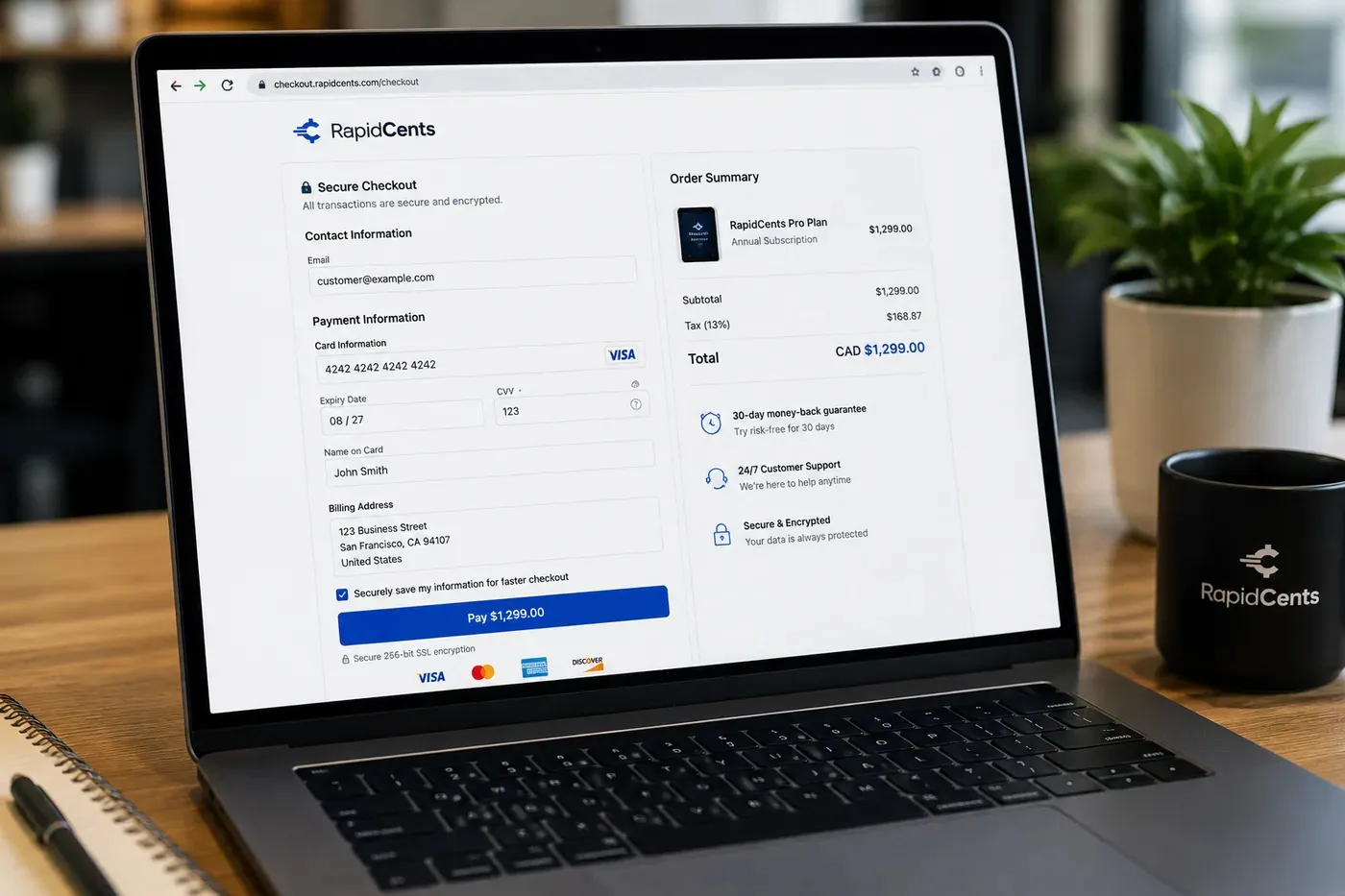
A RapidCents hosted checkout page at checkout.rapidcents.com, with the order summary and totals on the left and the card fields on the right, footed by SSL and PCI DSS assurances. Hosted Checkout
RapidCents hosted checkout delivers PCI-scoped payment pages you redirect customers to or embed via iframe…
Explore
The RapidCents Rivo Go standing upright in its blue silicone case, showing the full-touch sale screen a customer reads across the counter. Payment Terminals
RapidCents payment terminals cover countertop, mobile and smart form factors so you can accept chip…
Explore
The RapidCents payment links screen listing created links with their amount, status, click count and whether they have been paid, beside a phone showing the branded page a customer opens to pay $2,500.00. Payment Links
RapidCents payment links let staff generate branded pay-by-link URLs for invoices, deposits, balances and…
Explore


How this gets set up
Unit reserved and paid online
A tenant picks a unit size on a hosted checkout, pays the first month and the admin fee, and arrives with the rental already settled.
Move-in charges at the rental counter
Lock sales, the prorated first month and insurance add-ons are taken on a terminal at the office counter.
Rent moved onto autopay
The card captured at move-in becomes the monthly rent charge, dated to the tenant's own anniversary rather than the first of the month.
Payment link for a unit in arrears
A delinquent balance goes out as a payment link the tenant can clear before the overlock date.
Integrations
SiteLink
A unit's ledger in SiteLink shows the rent charge as paid as soon as the autopay draw clears.
Storable exports
Storable exports hand over tenant and rent history as a file for the ledger, not a live connection to the gate software.
Operations, security and going live
Occupancy revenue read against follow-ups
Reporting shows which units still need a person this cycle, which is the list the manager works before overlocking anything.
Cards on file for a low-staffed site
Unattended and after-hours sites run on stored tokenized cards, so the office keeps no card details in the paper rental file.
Rate increases applied without re-signing
A rent increase updates the recurring amount on the existing authorization instead of restarting every tenant's setup.
Live before the next rent run
Onboarding is scheduled so the first autopay cycle runs on the new schedule and no unit is billed twice.
Payment questions from Self-Storage
What should businesses compare when choosing self storage payment processing for Self-Storage?
Compare self storage payment processing against the real payment journey: sign-up, scheduled billing, and renewal, online checkout and remote payment, and the counter or service point. Start with the required channels and hardware, then confirm compatibility and support before committing.
What payment hardware is practical for Self-Storage?
If Self-Storage sells primarily online, do not choose physical hardware before validating checkout. Add hardware only for a clearly defined in-person payment need.
Which payment channels are relevant for Self-Storage?
For Self-Storage, start with sign-up, scheduled billing, and renewal, online checkout and remote payment, and the counter or service point. Keep only the channels that match those moments, then verify the complete customer flow before offering them.
How should payment processing fees be evaluated for Self-Storage?
For Self-Storage, compare costs related to scheduled billing, declined cards, and cancellations and online checkout and dispute handling using actual transactions. Request a written breakdown of fees and terms rather than relying on an advertised rate alone.
What should be confirmed before setting up payments for Self-Storage?
For Self-Storage, document the checkout, confirmation, and refund path, verify the needed compatibility, and test the flow before going live. This exposes manual steps and exceptions before customers encounter them.
What should be confirmed before using recurring payments for Self-Storage?
Define consent, billing cadence, change and cancellation rules, and how a declined card is handled. Ask to see the complete customer journey before offering it to customers.
What MCC category applies to Self-Storage?
MCC 4225 is commonly associated with Self-Storage. Our onboarding team confirms the correct category for your business.
Related industries
Nonprofits & Charities
Nonprofits accept donations, event tickets and recurring giving with transparent pricing…
Education
Schools and training providers collect tuition, registration fees and installment plans…
Government
Municipal and agency departments accept citizen payments for permits, fines and fees with…
Events & Ticketing
Venues and promoters sell tickets, VIP packages and concessions with online checkout…
Membership Clubs
Clubs, associations and coworking spaces bill monthly dues, event fees and pro-shop sales…
Travel Agencies
Travel advisors collect deposits, final balances and change fees with virtual terminal…
Agriculture
Farms, co-ops and ag retailers invoice seasonal buyers, accept market payments and manage…
Pet Services
Groomers, boarders and pet sitters accept appointment deposits, retail add-ons and…
Take the next step
Talk to a RapidCents specialist
RapidCents Fee Check reads a processing statement and shows interchange separately from the markup. Upload a statement for an instant breakdown, or open a merchant account and start accepting payments on one account.
- No obligation
- Payment specialists, not a call centre
- Secure statement upload



